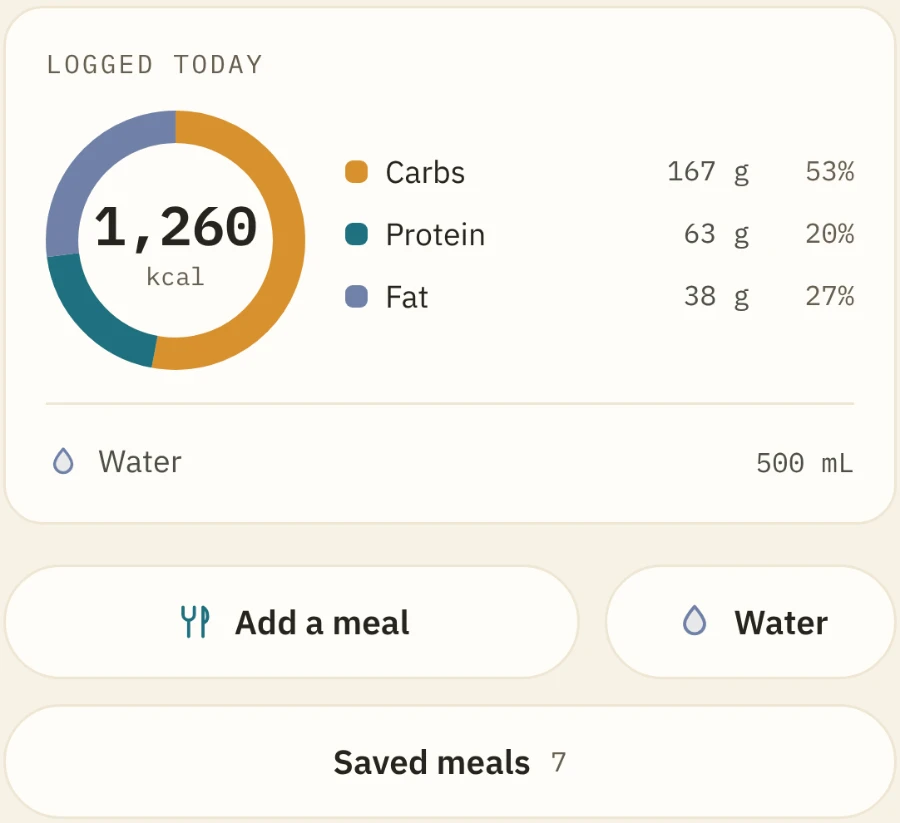
Log a meal without typing.
Photo · Barcode · Voice
Your food, your training, your sleep and your heart, read together and against your own normal.
Why one app
A calorie counter can’t see that you slept five hours. A workout log doesn’t know you skipped lunch. Fitness was never one of these, so Metrics Nest is all of them, each one built properly.
One day
07:00
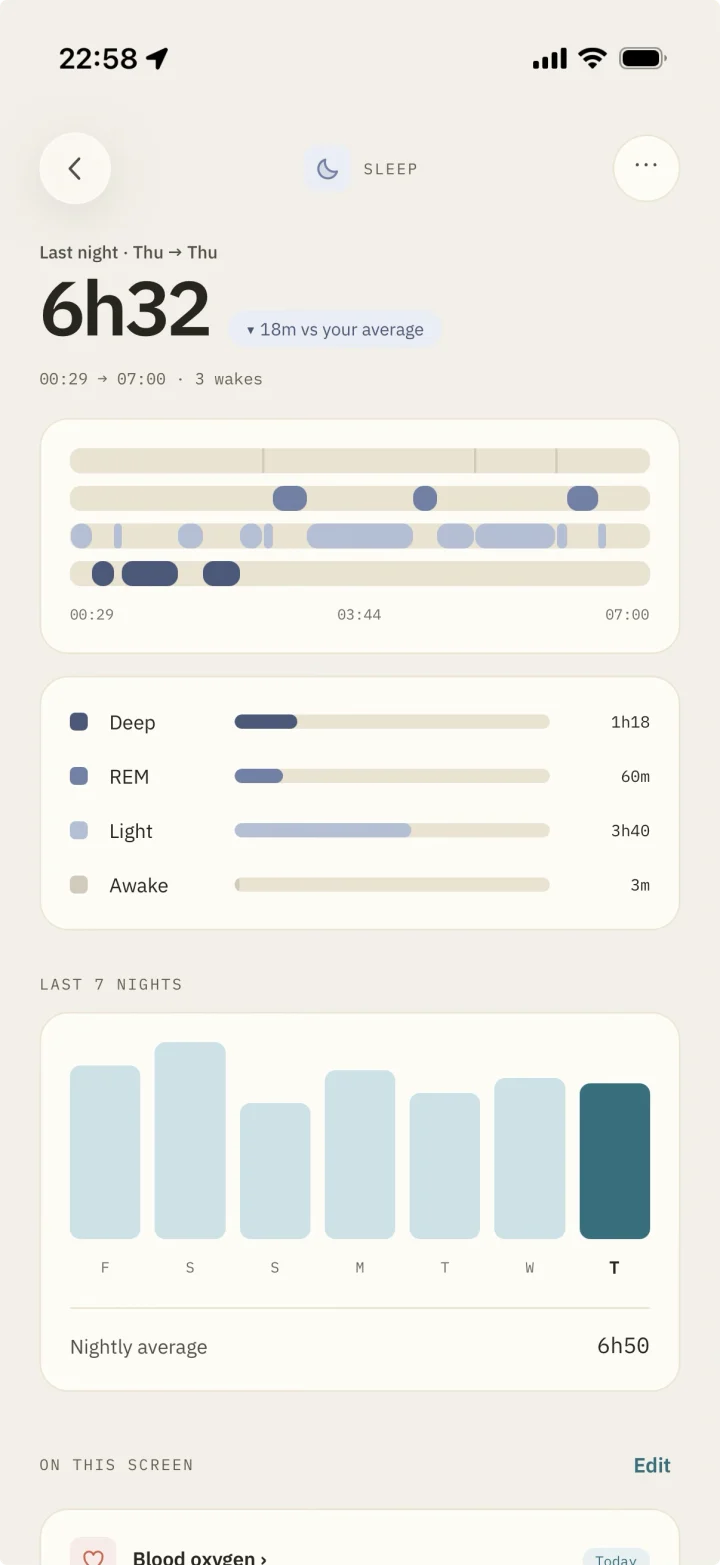
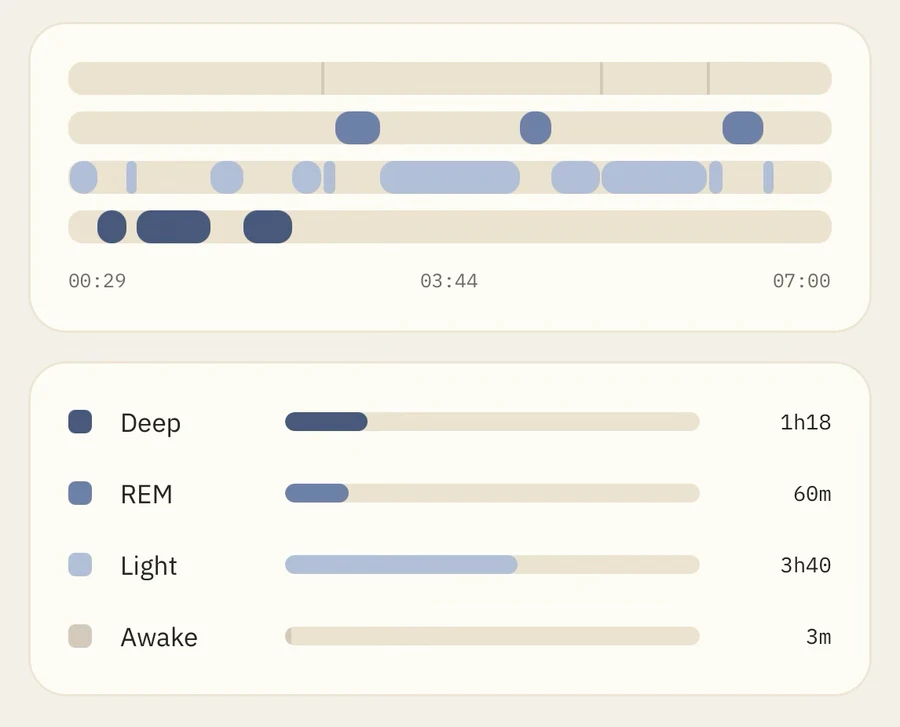
The night, stage by stage. It sets today: hard, easy or rest.
12:30
Photograph the plate, scan the packet or just say it.
18:10
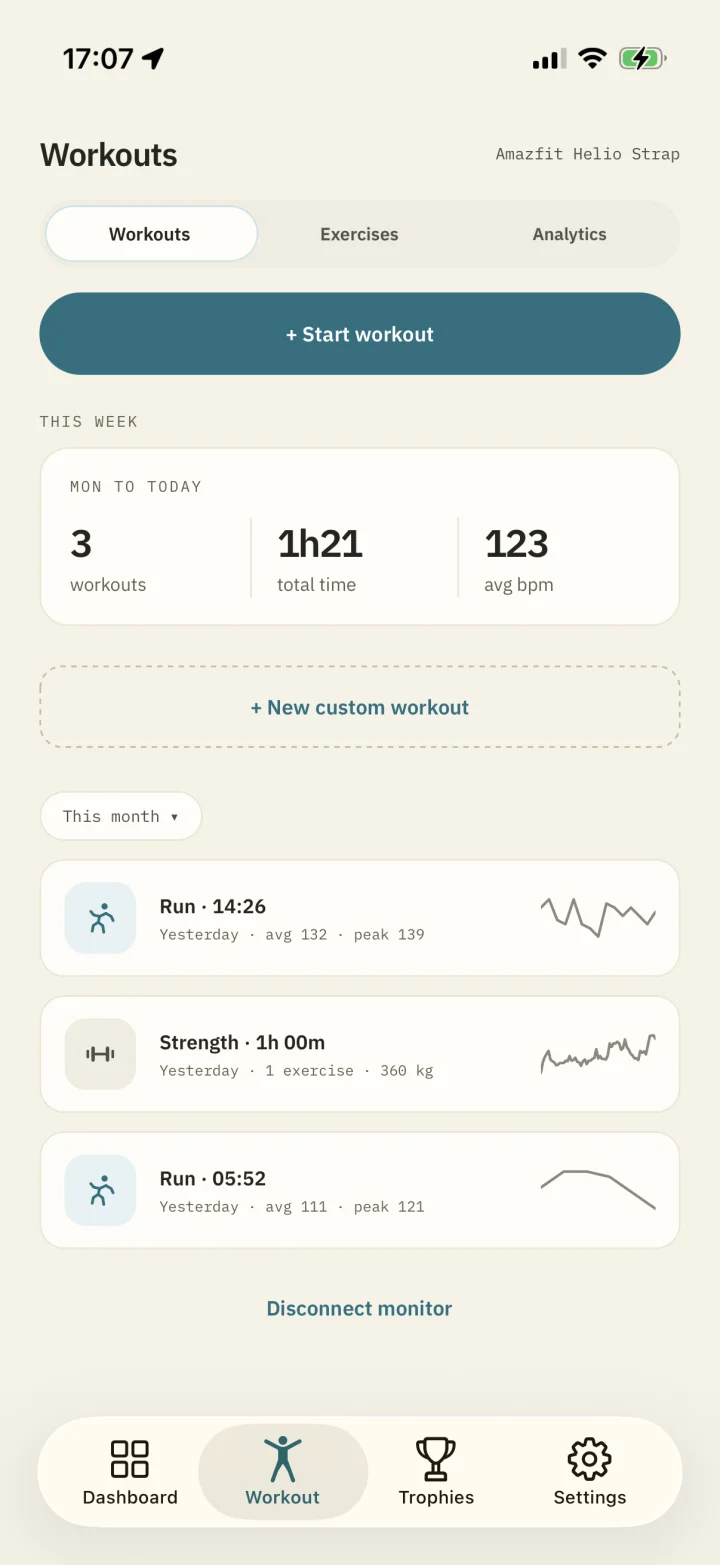
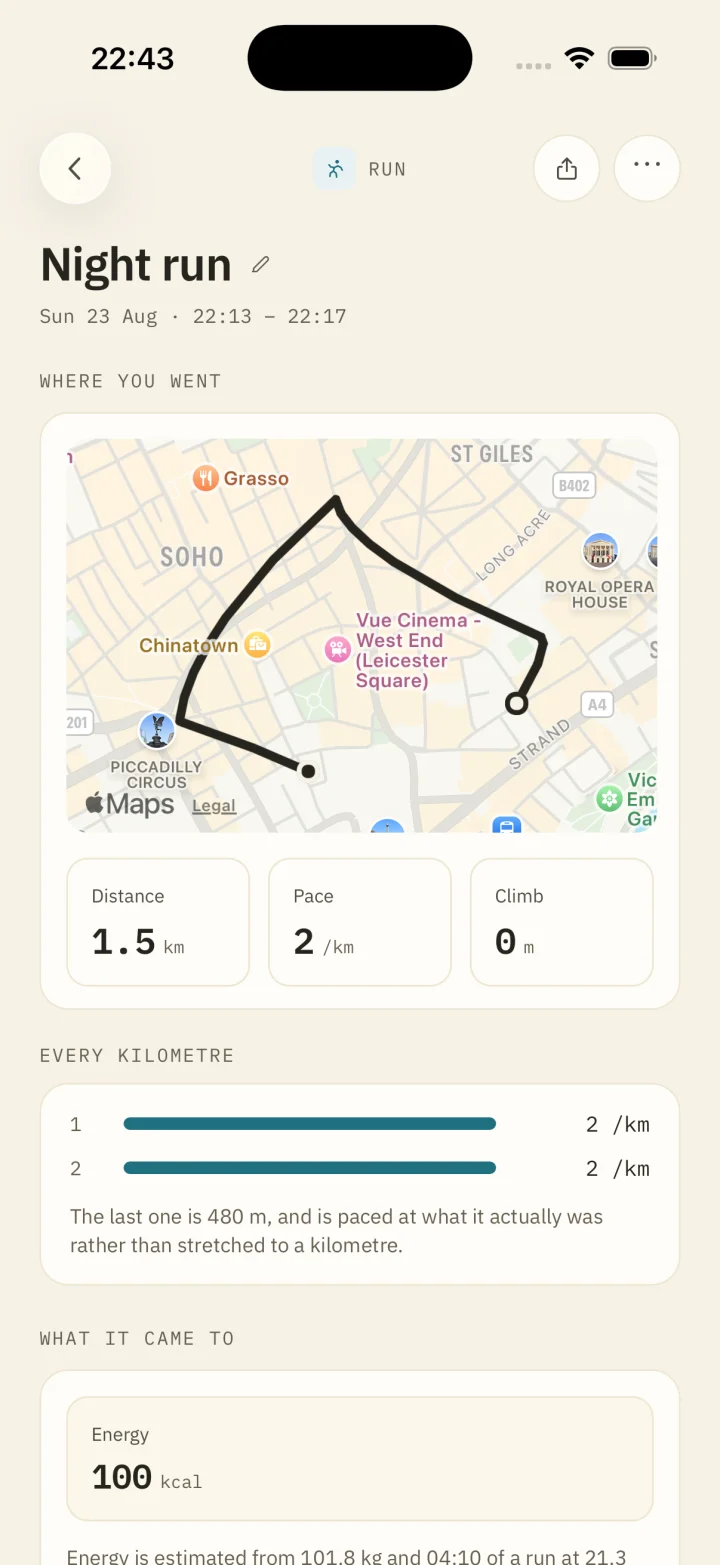
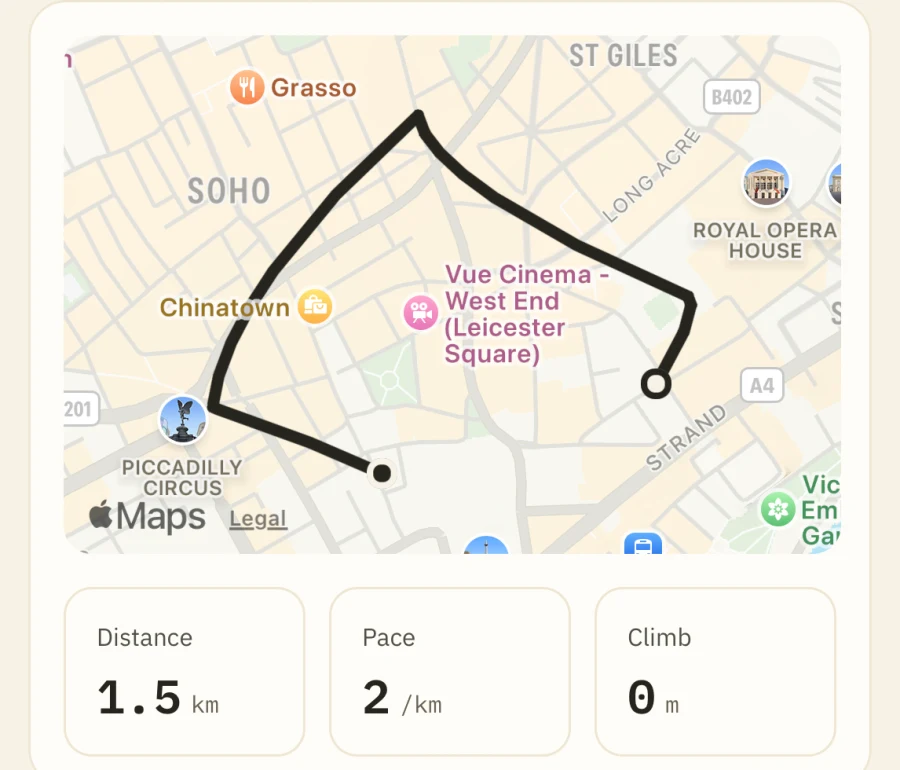
It draws its own route. In the gym, one tap a set.
22:00
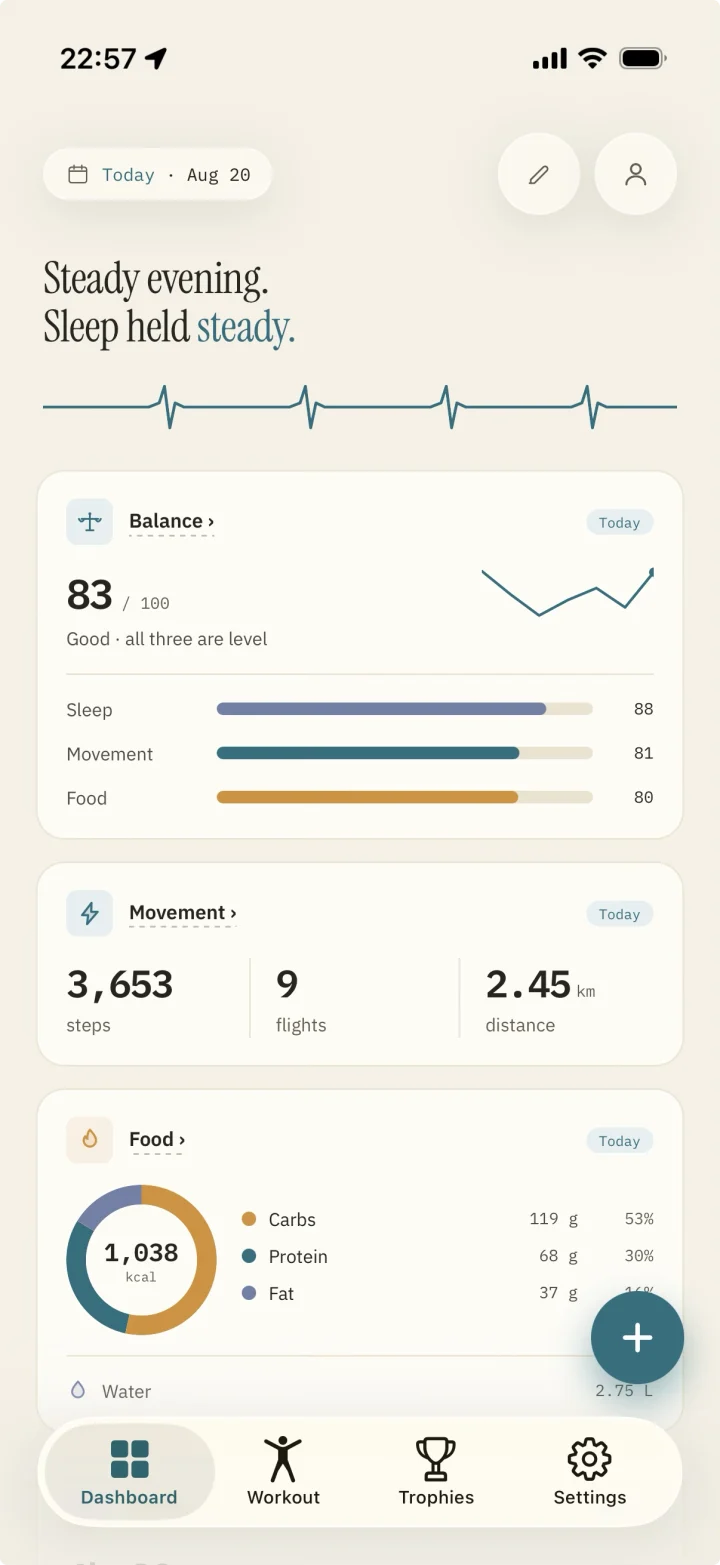
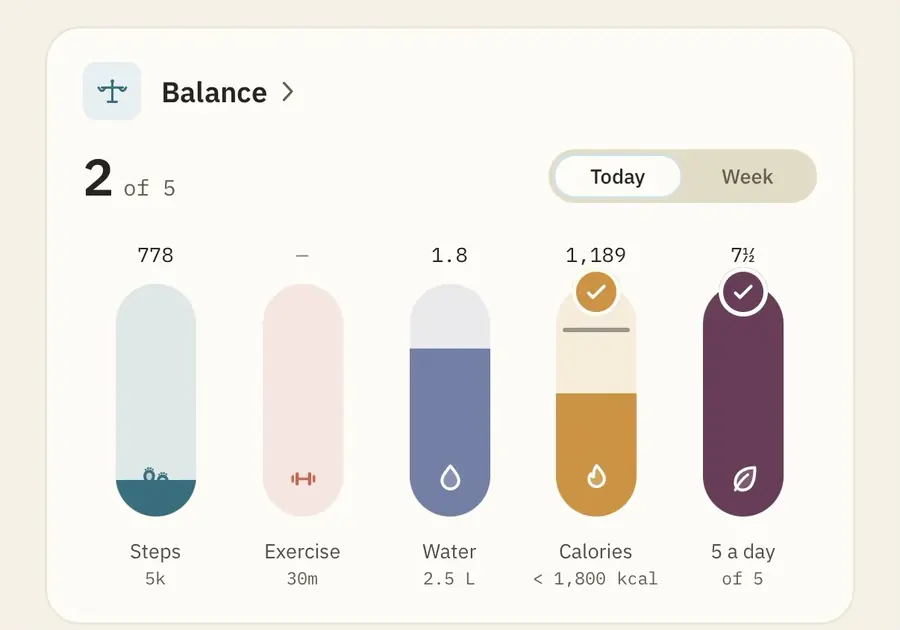
Steps, exercise, water, calories and five a day, side by side.
It knows you
Nobody is the average person. Every reading is held against your own.
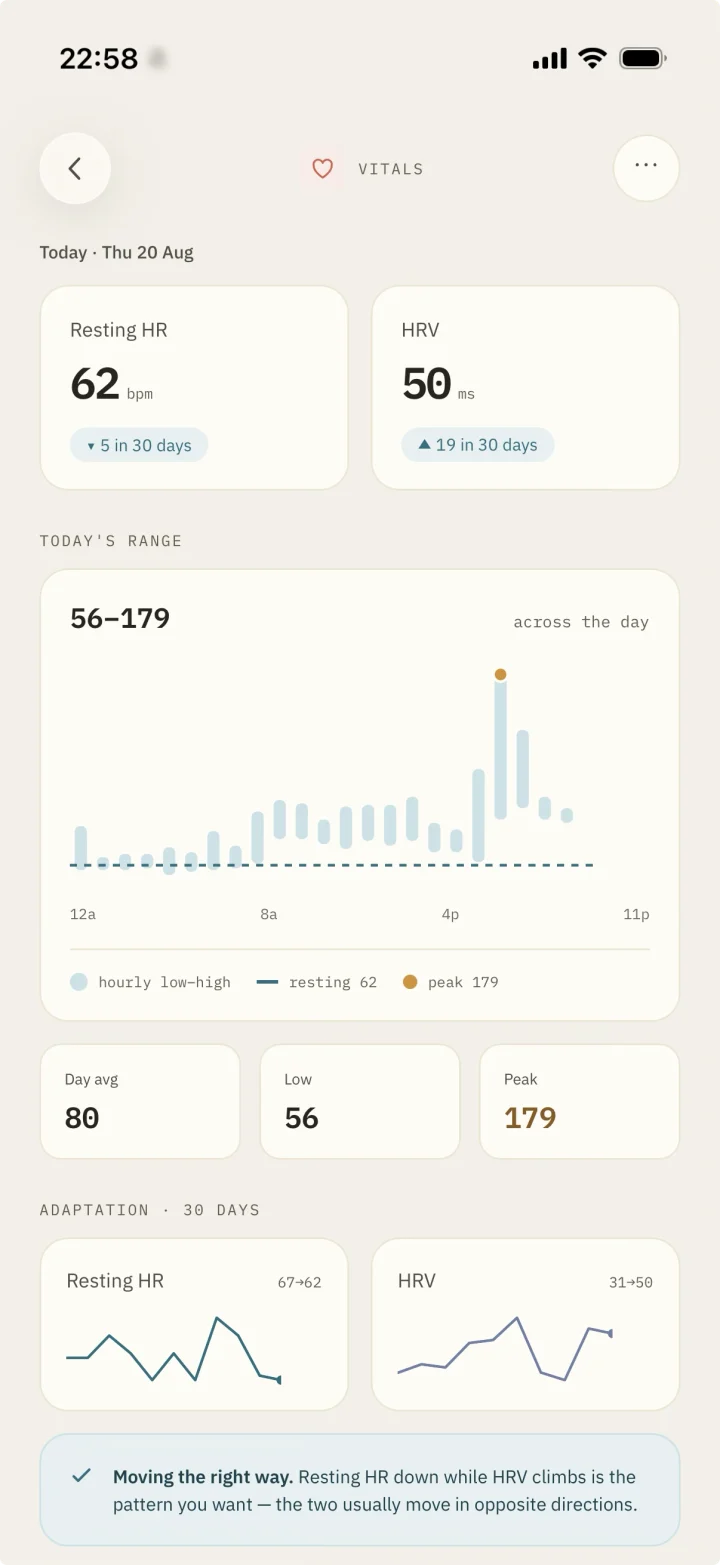
A verdict each morning, from your sleep and your heart against your own last thirty days.
Type “Lose 5 kg”. The forecast says when, and allows for the slowdown.
Training, movement, food and wins, as a story you read in a minute.
Each part would stand up as an app of its own.
Photo · Barcode · Voice
76 exercises · Live heart rate zones · GPS runs
Every stage · Asleep vs. in bed · Seven nights
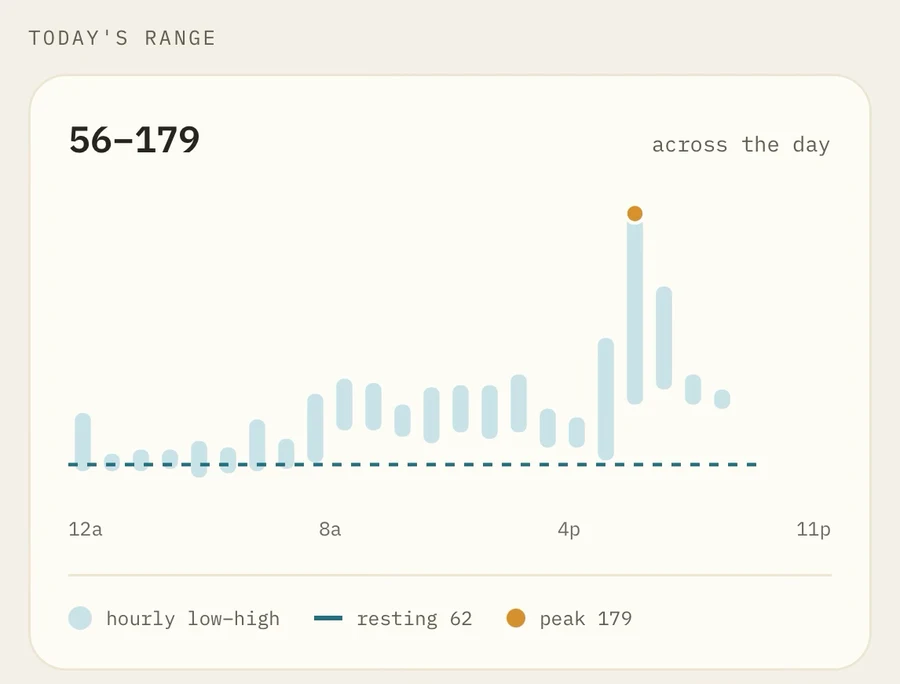
Resting heart rate · HRV · The day, hour by hour
Your AI
The assistant you already use can coach. Connect it, and it coaches from your real nights, meals and sessions.
A switch each for sleep, workouts, food, weight and the rest. Off again in one tap.
A workout or a meal arrives in the app and waits for your yes.
Send them a link to the parts you pick.
Your assistant
How did I sleep, and should I train hard today?
6h32, a little under your 6h50 average. Resting heart rate is 62, down 5 this month. Keep today easy. I’ve sent a session to your app.
In Metrics Nest · Suggested
Easy run, 30 minutes
Pay for live heart rate, training analytics and connecting an AI or a coach. One month free.
What is free, and what Unlimited adds. UK prices; Apple sets the rest. Terms.
No. A monitor adds a live heart rate to a workout. Everything else runs on Apple Health alone.
Yes, through Apple Health — there is nothing to pair. Live heart rate during a workout needs a strap or watch that broadcasts over Bluetooth, which an Apple Watch does not.
Yes, and it does not expire: your whole history, the food log, every workout, every badge and all three challenges. Paying adds live heart rate, training analytics and sharing with an AI or a coach.
Claude, ChatGPT, Gemini, Grok, Perplexity and Le Chat, and coding tools such as Claude Code and Cursor. It is part of Unlimited; in the app it is called the Nest API.
Nothing, unless you choose. Connect Game Center and one number per challenge per week goes to Apple. Share with an AI or a coach through the Nest API, part of Unlimited, and the readings you pick are kept on our EU server for them to read, until you stop it.
More on how it works and support.
No account. No ads. Nothing leaves your phone unless you ask.